
Affiliate Disclosure:: As an Amazon Associate, I earn from qualifying purchases. This means if you click a link and make a purchase, I may receive a small commission at no extra cost to you. I only recommend products I have vetted through my own engineering standards.
The “Sticker Shock” of Modern Living
When I first moved to Germany to pursue my Master of Engineering in Sustainable Buildings, I thought I understood energy efficiency. After all, I knew the theory: insulation, U-values, and thermal bridging.
However, the reality hit me when I received my first electricity bill.
Unfortunately, it was a massive shock to the system. Even though I was living in a modern apartment, my utility costs were bleeding my budget dry. As an engineer, I couldn’t simply “pay it and forget it.” Instead, I needed to understand the root cause. Therefore, I treated my home like a construction site—auditing the energy flow to find the leaks.
Ultimately, I found that human error and invisible consumption (what we call Vampire Load in the industry) were the primary culprits.
If you’re anything like me, you probably think leaving a light on for 10 minutes doesn’t matter. But the numbers don’t lie. In fact, in high-cost energy markets like Germany and parts of the USA, every kilowatt-hour (kWh) counts.
Quick Summary: The Engineer’s Shortlist
Don’t have time to read the full audit? Here are the top performers that gave me the fastest ROI.
| Best For… | Product Name | Why I Picked It | Buy Now |
| Overall Savings | Ecobee Smart Thermostat Premium | Best long-term ROI on HVAC costs. | Check Price |
| Data Geeks | Emporia Energy Monitor | Finds hidden “energy leaks” instantly. | Check Price |
| Gamers/TV | Kasa Smart Plug Power Strip | Kills “Vampire Power” overnight. | Check Price |
I spent months testing devices to automate efficiency. Specifically, I didn’t want gadgets that just “looked cool”; I wanted tools that offered a calculated Return on Investment (ROI).
Here is where the engineering logic kicks in. Below, I have listed the 5 smart home gadgets that stopped the energy bleeding and paid for themselves in under 3 months.
1. Ecobee Smart Thermostat Premium
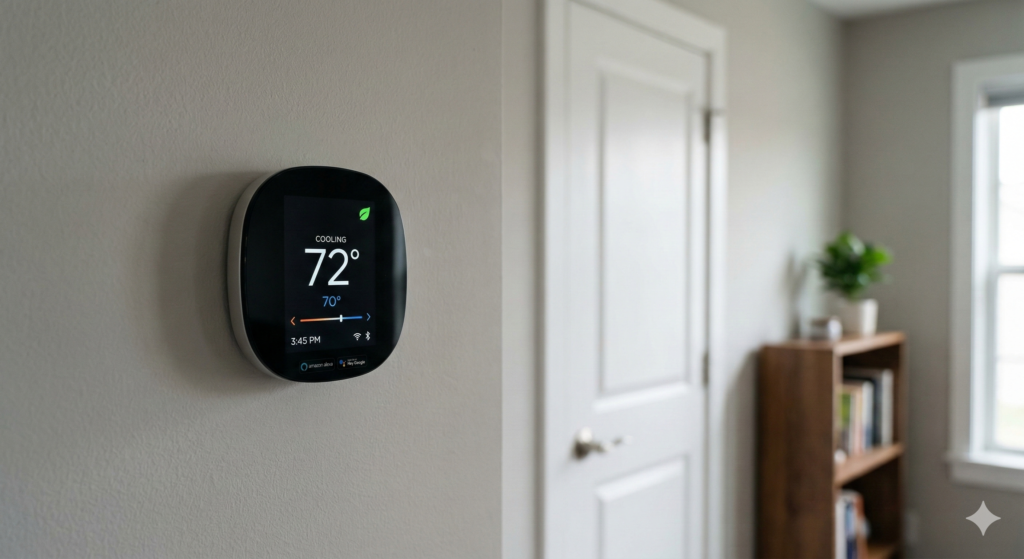
The Problem: The biggest energy waster in any home is heating and cooling empty space. Standard thermostats measure temperature at one point (usually a hallway you never hang out in), causing your HVAC system to overwork to heat the bedrooms. Unfortunately, this is thermally inefficient.
The Engineering Solution: The Ecobee Smart Thermostat Premium solves the “single-point-of-failure” issue with remote sensors.
- Occupancy Detection: It uses radar-based occupancy sensors. Consequently, If you aren’t in the room, it adjusts the duty cycle of your HVAC to save energy. It stops paying to heat air that nobody is breathing.
- Data-Driven Decisions: Furthermore, it learns your home’s unique thermal profile—how fast it heats up and how quickly it loses heat—to optimize runtime.
Why It Saves You Money: By automatically switching to “Away” mode when sensors detect an empty house, you can shave up to 26% off your annual heating and cooling costs. For a standard household, that is massive capital retention.
2. Emporia Smart Home Energy Monitor
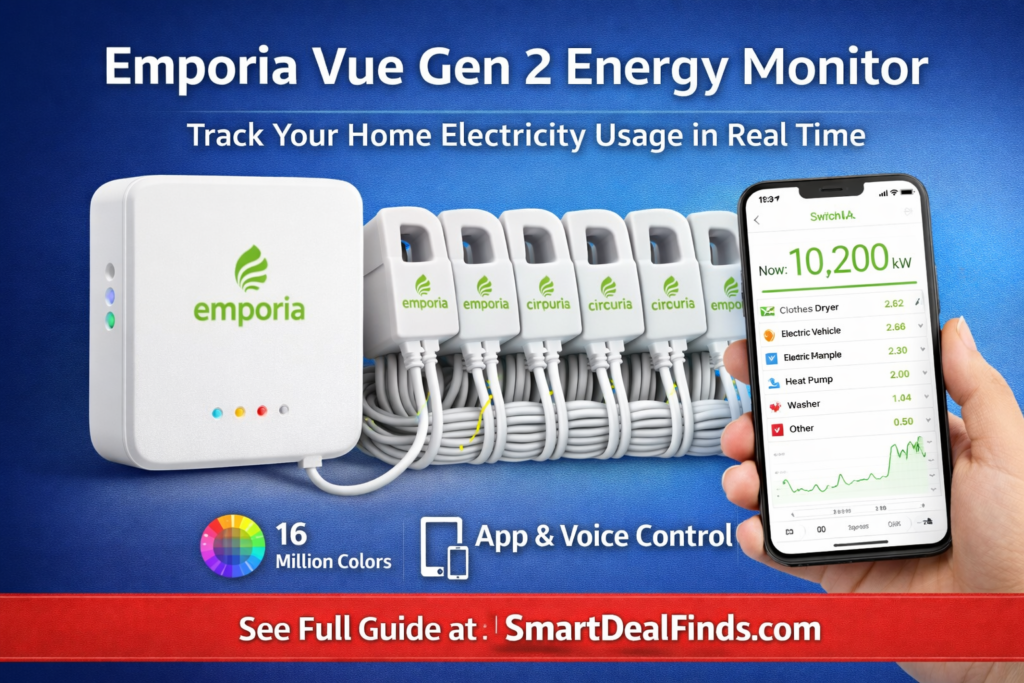
The Problem: You cannot manage what you cannot measure. Most homeowners wait for the bill at the end of the month, which is a lagging indicator. Ideally, you need real-time data to identify which appliances are the “heavy hitters.”
The Engineering Solution: The Emporia Gen 2 Vue installs directly into your circuit breaker panel. This is professional-grade auditing for the consumer.
- Circuit-Level Granularity: It monitors individual circuits. You can see exactly how much your dryer, oven, or AC unit is costing you per hour.
- Peak Demand Management: If you are on a “Time-of-Use” plan (where electricity is more expensive in the evening), this tool alerts you to load-shed during peak pricing windows.
Why It Saves You Money: I used this to discover an old refrigerator in my garage was running a compressor cycle almost non-stop, costing me €15 a month alone. Immediately, I unplugged it, and the monitor paid for itself instantly.
3. Kasa Smart Plug Power Strip (KP303)
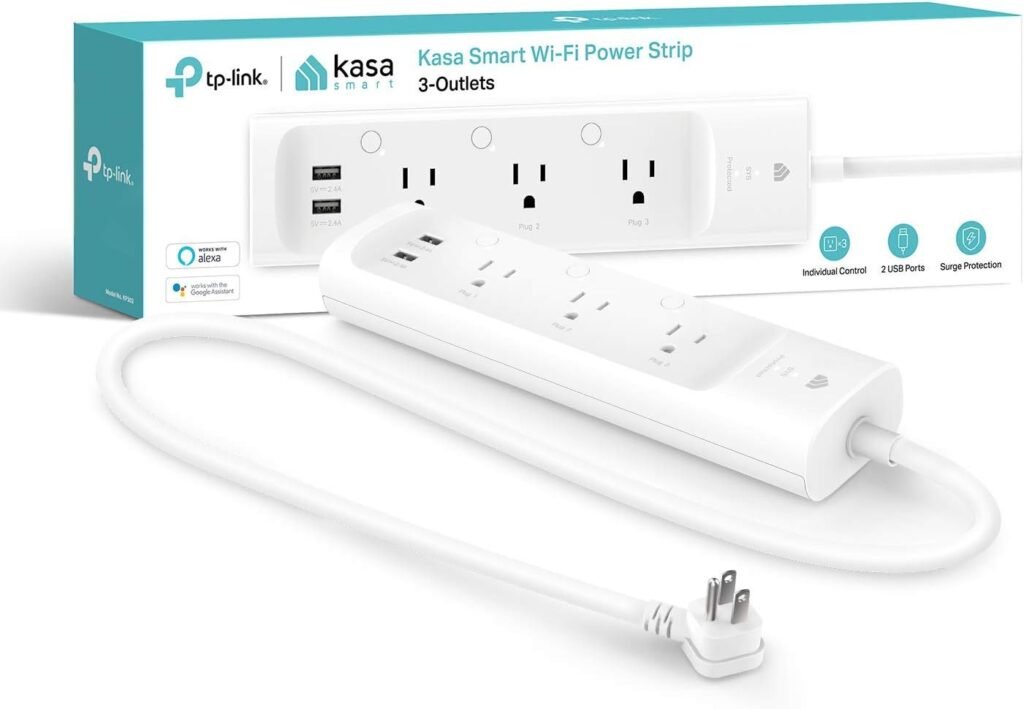
The Problem:Vampire Load (or Phantom Load). This is the power drawn by devices when they are “off” but plugged in—TVs, gaming consoles, and monitors. Surprisingly, in a typical home, this accounts for 10-20% of your bill.
The Engineering Solution: The Kasa Smart Plug Power Strip allows you to schedule a “hard kill” of power to specific outlets.
- Independent Control: Unlike a dumb strip, you can control the 3 smart outlets individually. Keep your router on, but kill the power to the TV and Xbox at 1:00 AM automatically.
- Surge Protection: It protects your sensitive electronics while managing their consumption.
Why It Saves You Money: By scheduling your entertainment center to turn off completely from 12:00 AM to 5:00 PM (while you sleep and work), you eliminate 17 hours of vampire draw every single day.
4. Philips Hue Smart Bulb Starter Kit
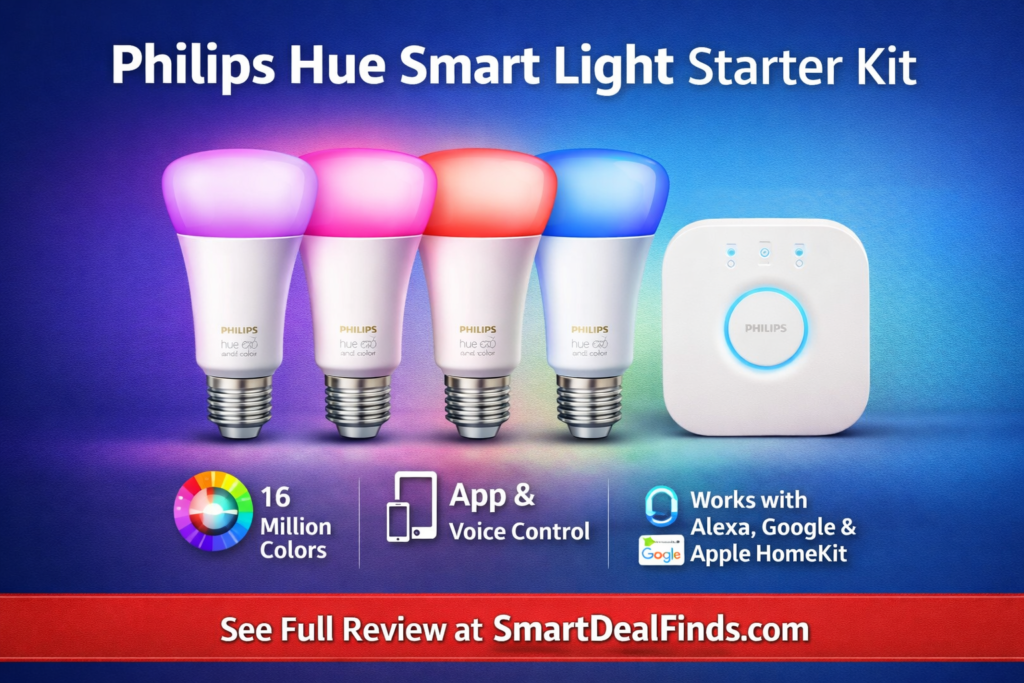
The Problem: Traditional incandescent bulbs waste 90% of their energy as heat (thermal loss) rather than light. Even standard LEDs are often left on due to human forgetfulness.
The Engineering Solution: The Philips Hue system isn’t just about fancy colors; it’s about lumen efficacy and automation.
- Geofencing: The app uses your phone’s location. The moment you leave the geofenced area of your home, every light cuts off. No more wondering, “Did I leave the kitchen light on?”
- LED Efficiency: These bulbs draw roughly 9.5W to produce the same light as a 60W incandescent. This results, that is an immediate 84% reduction in load.
Why It Saves You Money: If you replace 5 frequently used bulbs, the wattage reduction alone is significant. Add in the automation that prevents lights from burning for 8 hours while you’re at work, and the savings compound monthly.
5. SwitchBot Blind Tilt
The Problem: Solar Heat Gain. In the summer, the sun heats your room through the windows (greenhouse effect), forcing your AC to work harder. In winter, you lose heat through the glass.
The Engineering Solution: The SwitchBot Blind Tilt retrofits your existing blinds to automate them based on light intensity.
- Light Sensing: It detects when the sun is hitting your window directly.
- Thermal Regulation: In summer, it closes the blinds automatically during peak sunlight hours to keep the room cool (reducing AC load). In winter, it opens them to let free solar heat in.
Why It Saves You Money: This is passive climate control. By blocking heat before it enters your home, you reduce the “Delta T” (temperature difference) your AC has to fight against. Reducing AC usage is the fastest way to lower a bill.
The Engineer’s 3-Month ROI Analysis
I created this table based on average energy costs (approx. $0.35/kWh in high-cost areas like Germany/CA/NY) to show you the math.
| Gadget | Est. Cost | Est. Monthly Savings | Break-Even Point |
| Ecobee Thermostat | ~$180 | $30 – $45 | ~5 Months |
| Emporia Monitor | ~$40 | $15 – $20 | 2-3 Months |
| Kasa Smart Strip | ~$25 | $5 – $8 | 3-4 Months |
| SwitchBot Tilt | ~$70 | $10 (Seasonal) | ~7 Months |
Note: Prices fluctuate. Always check the current price on Amazon for the most accurate calculation.
The Verdict: Where Should You Start?
If you only have the budget for one device, start with the Emporia Smart Home Energy Monitor.
Why? Because data is king. As a Construction Manager, I never start a project without a survey. The Emporia gives you the “survey” of your home’s electrical health. Once you see where the money is going, you can stop the leaks.
Don’t just pay the bill—engineer your way to a cheaper one.
Read Next: Once you’ve optimized your energy usage, it’s time to optimize your workflow. Check out my guide on “The Ultimate Engineer’s Desk Setup: Productivity & Ergonomics” to see how I built my home office.
Frequently Asked Questions (Q&A)
1. Do I need an electrician to install the Emporia Energy Monitor?
Answer: Generally, yes. Since it involves opening your breaker panel and clamping sensors around live mains, safety is paramount. If you are not comfortable or certified to work with high voltage, hiring an electrician for one hour is safer and ensures accurate data collection.
2. Will these devices work if the internet goes down?
Answer: Most smart devices (like Ecobee and Kasa) retain their scheduled programming locally on the device even without Wi-Fi. However, you won’t be able to control them remotely via your phone until the connection is restored.
3. Is the Ecobee compatible with old heating systems?
Answer: Ecobee includes a “Power Extender Kit” (PEK) for homes that lack a “C-wire” (common wire). While it is compatible with most HVAC systems, I always recommend using the compatibility checker on their website before purchasing.
4. Can I use the Kasa Smart Strip for heavy appliances like heaters?
Answer: You must check the amperage rating. The KP303 is generally rated for 15 Amps total. Although it can handle a TV and console easily, a space heater draws a high continuous load and should usually be plugged directly into a wall outlet, not a strip.
5. Are smart bulbs really cheaper than regular LED bulbs?
Answer: Upfront? No. A standard LED is cheaper to buy. But a standard LED doesn’t turn itself off when you leave the house. Therefore, the ROI of smart bulbs comes from automation removing human error (leaving lights on) from the equation.